
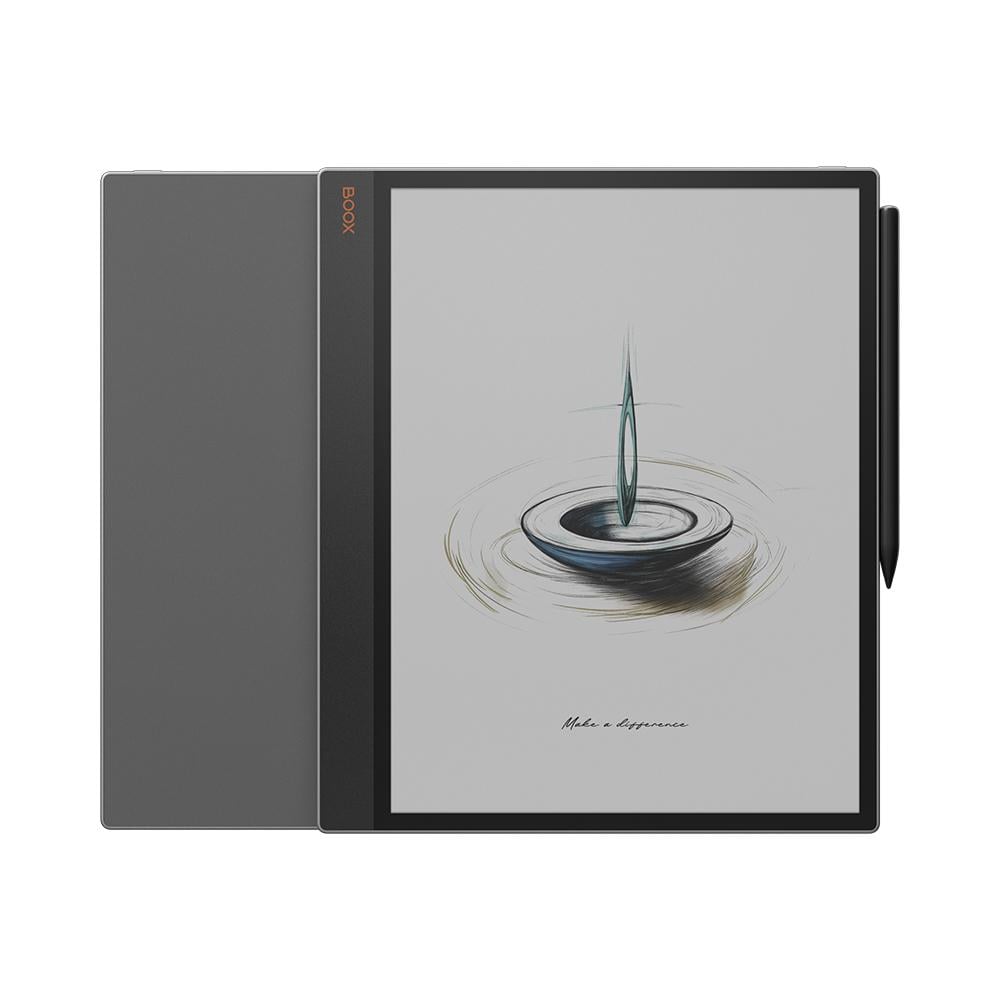
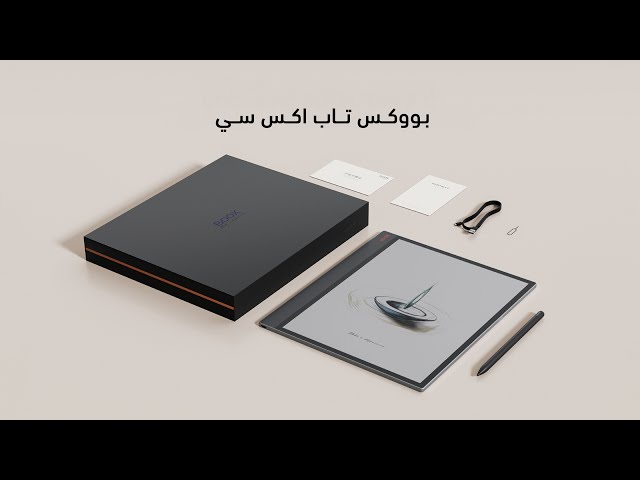
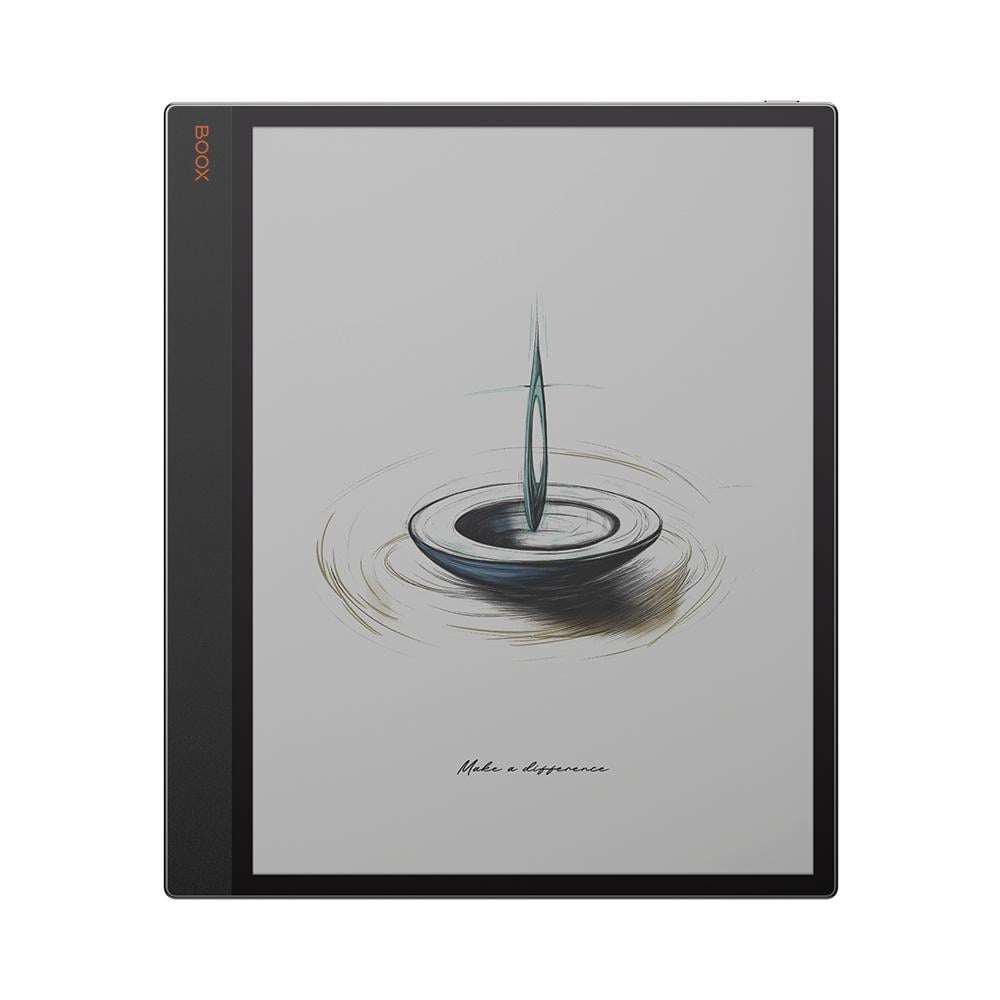
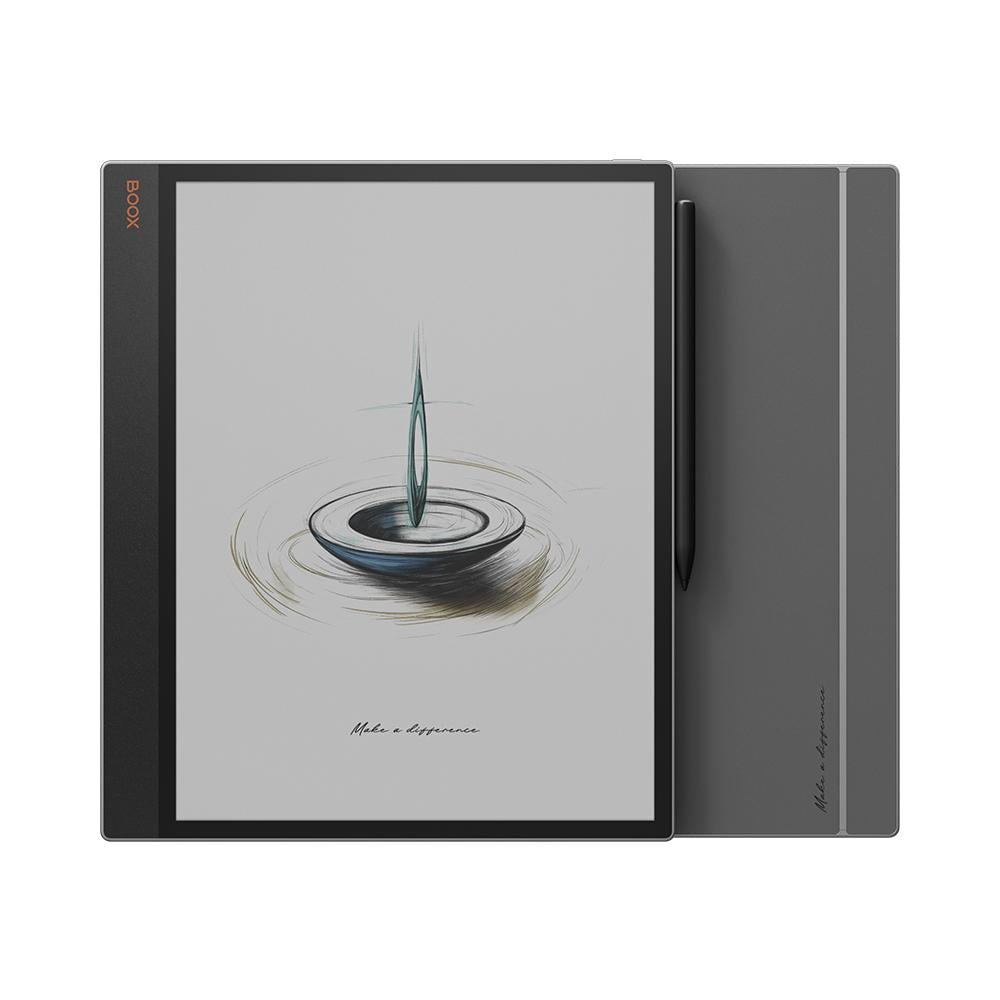
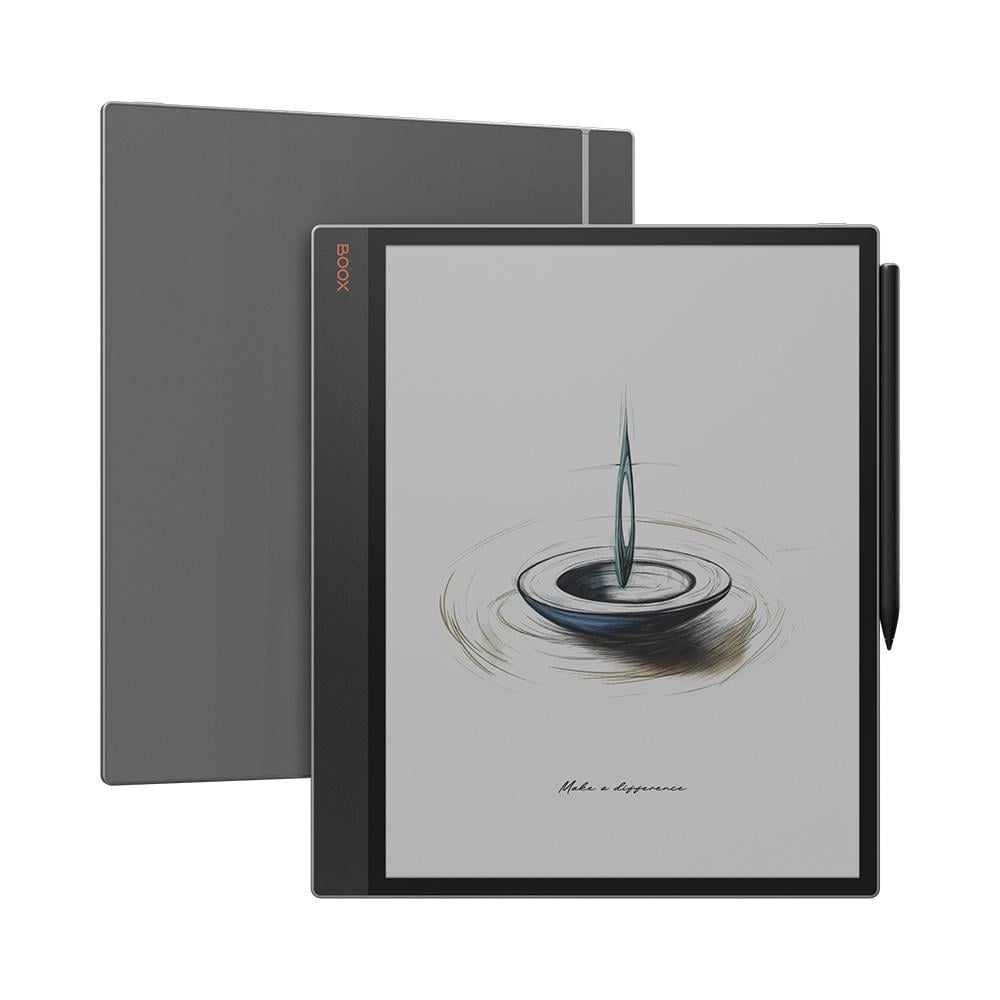
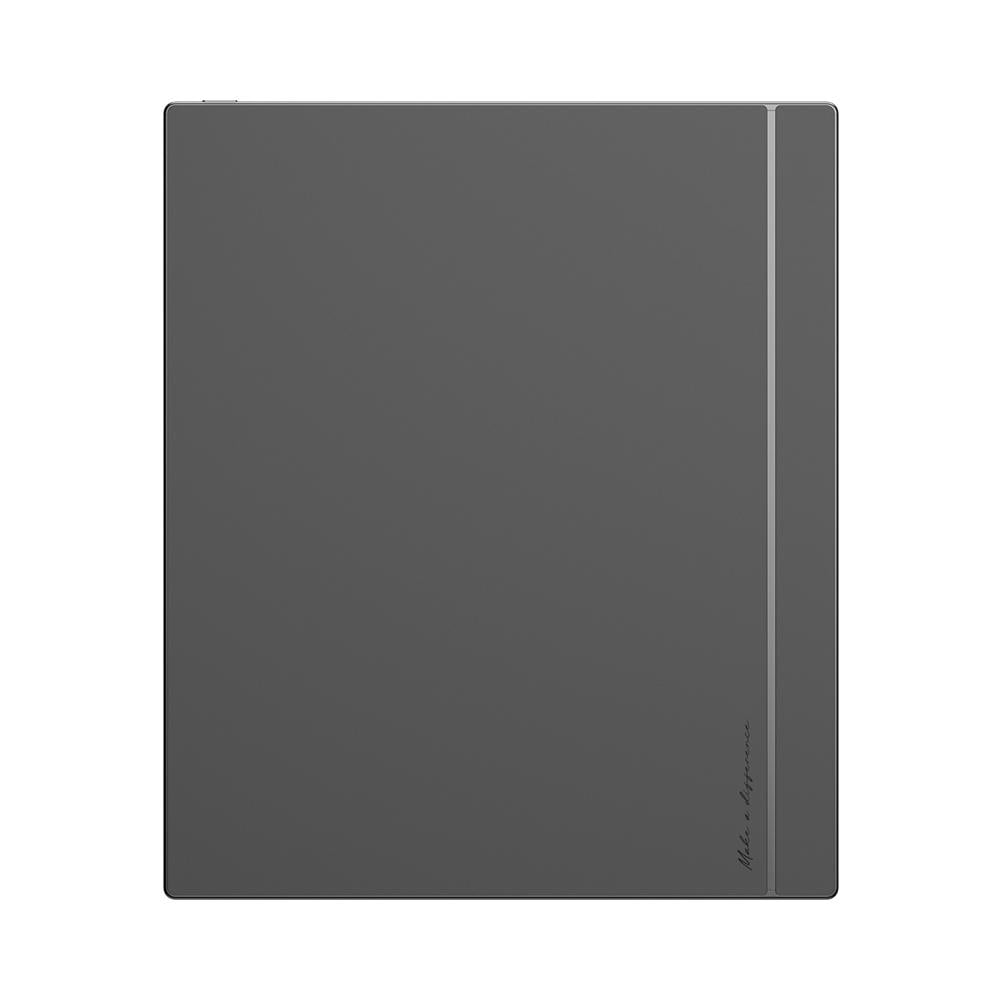

BOOX Tab X C is a 13.3-inch color E Ink device, close to the size of an A4 sheet, that brings reading and writing together in one device. Its screen displays 4,096 colors with 300 ppi for text and 150 ppi for color, has an adjustable front light, and it comes with an included stylus for taking notes and writing by hand.
It runs Android 13 and supports Google Play, with 6GB of RAM and 128GB of storage. With a 5,500mAh battery and a weight of approx. 625g, it's a practical choice for reading and working on large references and documents, and it helps you focus away from phone notifications.
Who is BOOX Tab X C for?
- Researchers and academics: Read scientific papers and references at full size without zooming in and out, and write your notes on them with the stylus.
- Engineers and designers: Review plans, drawings, and color tables on a large screen, and write your comments directly on them.
- Professionals and entrepreneurs: Review contracts, reports, and presentations, and work on two files at the same time with split screen.
- University and graduate students: Open your color PDF textbooks, and highlight and write your explanations on the page itself.
BOOX Tab X C Features
A 13.3-inch screen close to the size of an A4 sheet
It shows a full PDF page at a size close to the printed sheet, so you can read references, magazines, and documents without zooming in and out.
Soft colors on an E Ink screen
The screen displays 4,096 colors, so charts, tables, and highlights appear in color, in soft tones that are comfortable for long reading.
Warm and cold front light
Adjust the light between cold and warm depending on the time and place, and read day or night.
Write and draw with the BOOX InkSpire stylus
The stylus is included with the device and supports 4,096 pressure levels with tilt sensitivity, so the line changes with the way you write. It charges wirelessly by magnet when attached to the device.
Fast performance with BSR technology
A 2.8GHz octa-core processor and 6GB of RAM with BSR fast refresh technology, for moving smoothly between pages and apps.
Split screen for two files
Open a reference on one half of the screen and your notes on the other, and work on both at the same time.
Android 13 and Google Play Store
Download the reading, study, and work apps you use from Google Play.
Your files with you everywhere
Sync your files with Google Drive, Dropbox, and OneDrive, and transfer books and files wirelessly between the device and your phone or computer with BOOXDrop.
128GB storage and support for 26 book and file formats
Store your books and files in 128GB of storage, and open popular formats such as PDF, EPUB, Word, PowerPoint, and more.
Built-in speakers and microphone
Listen to audio files directly from the device, or connect your headphones via Bluetooth or USB-C. There's also a built-in microphone for recording.
When should you choose BOOX Tab X C?
It's right for you if most of your reading is A4-size documents and PDF files, such as scientific papers, plans, and reports, and you need color and a large screen to write on comfortably.
It may not be right for you if you're looking for a small device to hold in one hand, since it's 13.3 inches and weighs approx. 625g. It's also not for you if you expect saturated colors like a phone, or you mostly watch videos and play games.
How is it different from a regular tablet? A regular tablet shows saturated colors from a backlit screen, while Tab X C shows soft colors on an E Ink screen that reflects light like paper, so it's easier on the eyes for long reading and uses less power.
What's the difference between Tab X C and Note Air6 C?
Both devices have a color E Ink screen that displays 4,096 colors, with 300 ppi for text and 150 ppi for color, a warm and cold front light, and 6GB of RAM, and each comes with its own stylus. Here's how they differ:
- Screen size: 13.3 inches on Tab X C, 10.3 inches on Note Air6 C.
- Storage: 128GB on Tab X C; 64GB with a microSD card slot on Note Air6 C.
- Operating system: Tab X C runs Android 13; Note Air6 C runs Android 16.
- Stylus: Tab X C comes with the InkSpire stylus; Note Air6 C comes with the Pen3 stylus.
- Battery: 5,500mAh on Tab X C, 3,700mAh on Note Air6 C.
- Weight: Tab X C is approx. 625g; Note Air6 C is approx. 440g.
If most of your files are A4 size and you need the largest space for reading and writing, Tab X C is the better choice for you. If you need a lighter device that's easier to carry, Note Air6 C is enough.
Technical Specifications
- Display: 13.3 inches, Kaleido 3 color E Ink (4,096 colors), with a flat glass surface
- Resolution: Black and white 3200 × 2400 pixels (300 ppi), color 1600 × 1200 pixels (150 ppi)
- Front light: Adjustable warm and cold front light
- Writing and touch: BOOX InkSpire stylus with 4,096 pressure levels, and a touchscreen
- Processor: 2.8GHz octa-core with BSR fast refresh technology
- RAM: 6GB
- Storage: 128GB
- Operating system: Android 13 with Google Play Store
- Connectivity: Wi-Fi and Bluetooth 5.0
- Book and document formats: PDF, EPUB, EPUB3, AZW3, MOBI, DJVU, CBR, CBZ, CAJ, TXT, DOC, DOCX, FB2, CHM, RTF, HTML, ZIP, PRC, PPT, PPTX
- Image formats: PNG, JPG, BMP, TIFF
- Audio formats: MP3, WAV
- Audio: Built-in dual speakers and a built-in microphone
- Port: USB-C for charging and connecting accessories, also works as an audio jack
- Screen rotation: Automatic, based on device orientation
- Battery: 5,500mAh
- Dimensions: 287.5 × 243 × 5.3 mm
- Weight: Approx. 625g
- Certifications: CE, RoHS, FCC, TELEC, UKCA, WEEE, NCC
What's Included
- BOOX Tab X C device
- BOOX InkSpire stylus
- USB-C cable
- Quick Start Guide
- Warranty card
Is the stylus included with the device?
Yes, the BOOX InkSpire stylus comes included with the device.
And if you'd like to complete your experience, you can browse the device's accessories in the Tab Series Accessories section.
Important Notice:
The E Ink screen is delicate and makes up more than 80% of the device's value. Please avoid impacts, drops, or strong pressure on it, do not place heavy or sharp objects on top of it, and do not expose it to high heat, such as leaving the device inside a car at midday, to prevent screen damage.
Screen damage is not covered by the warranty.