
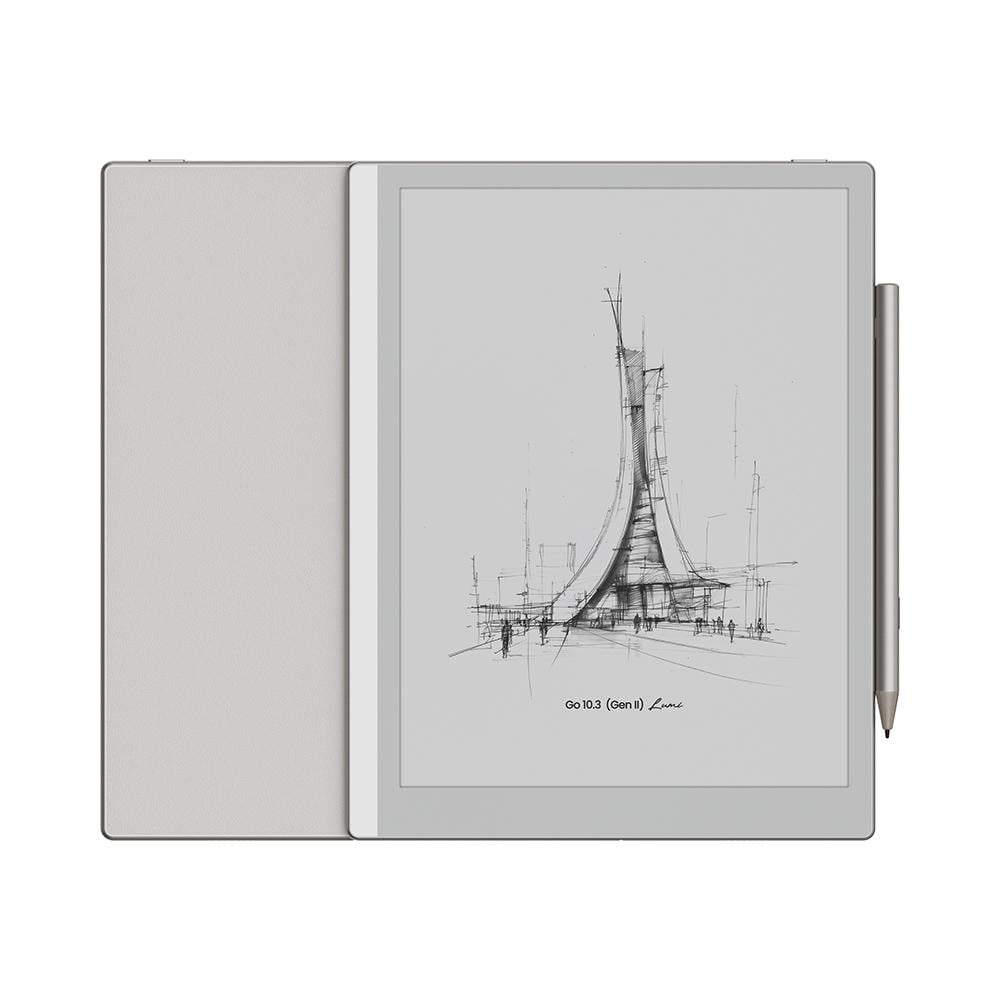
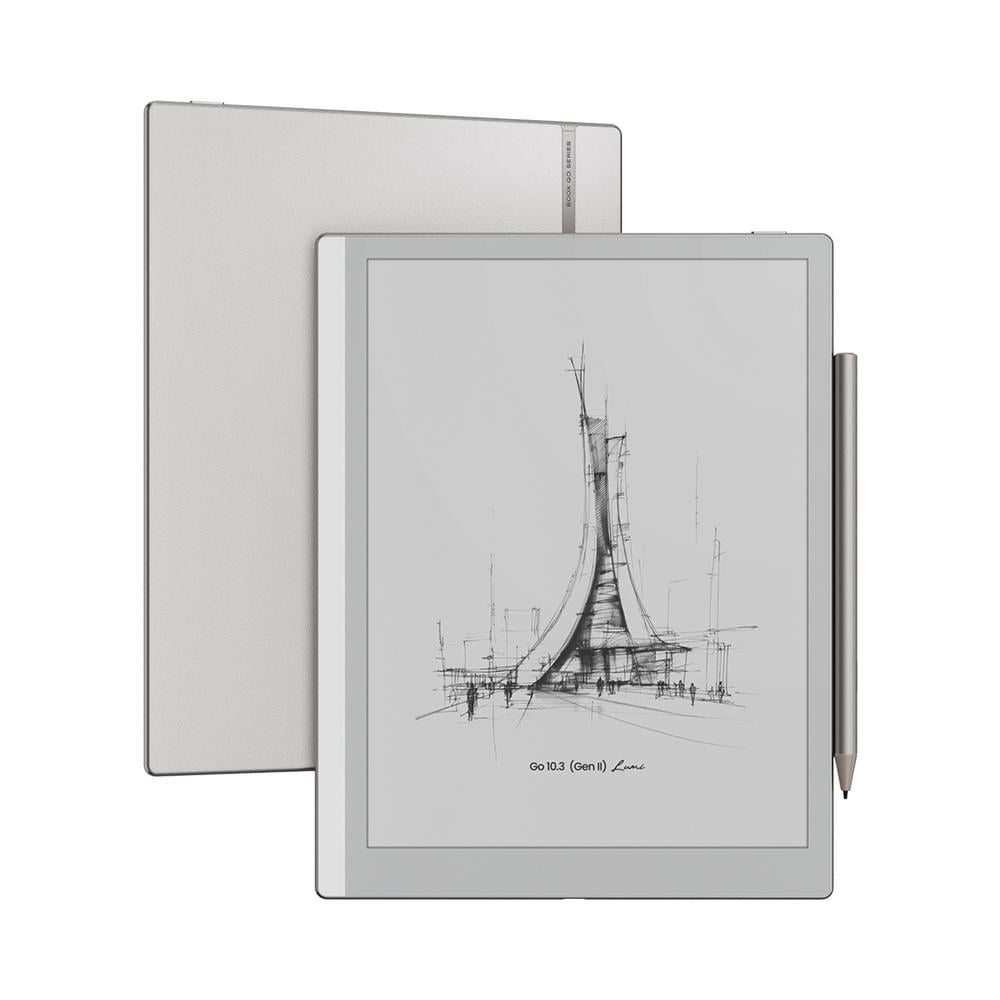
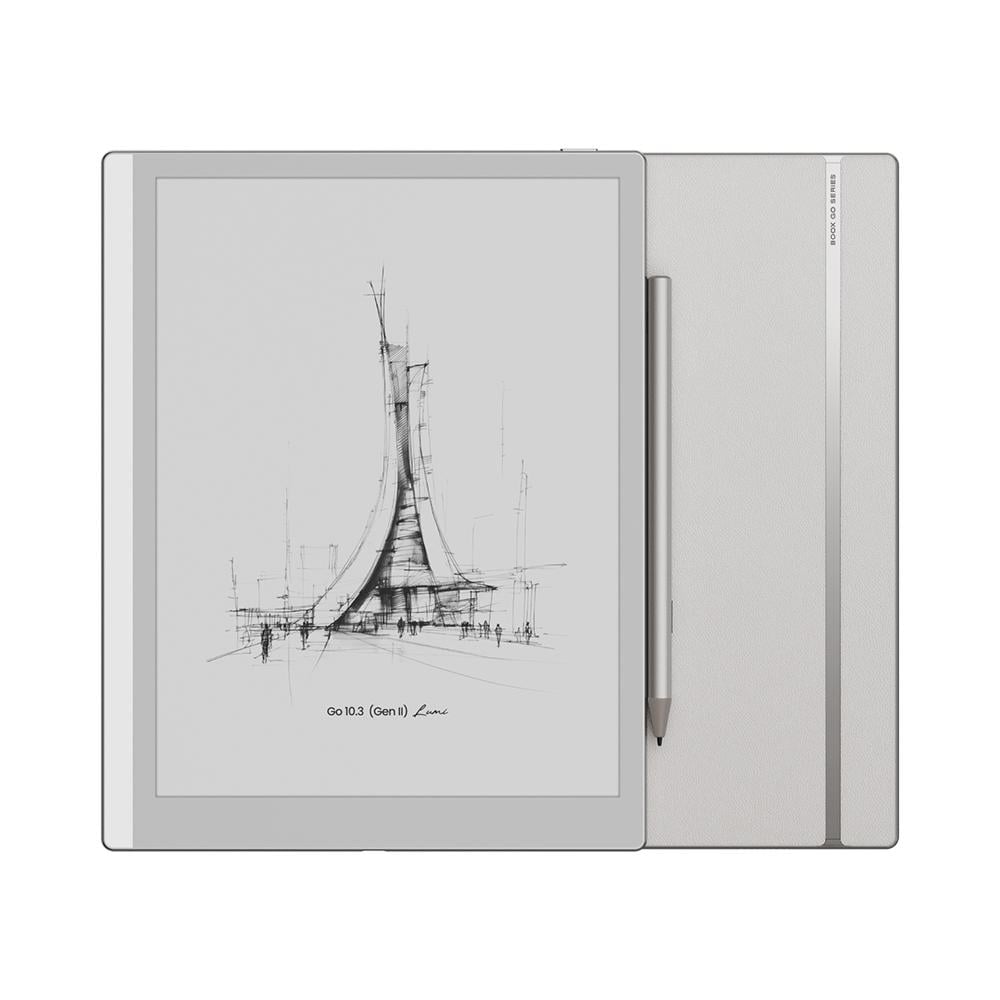
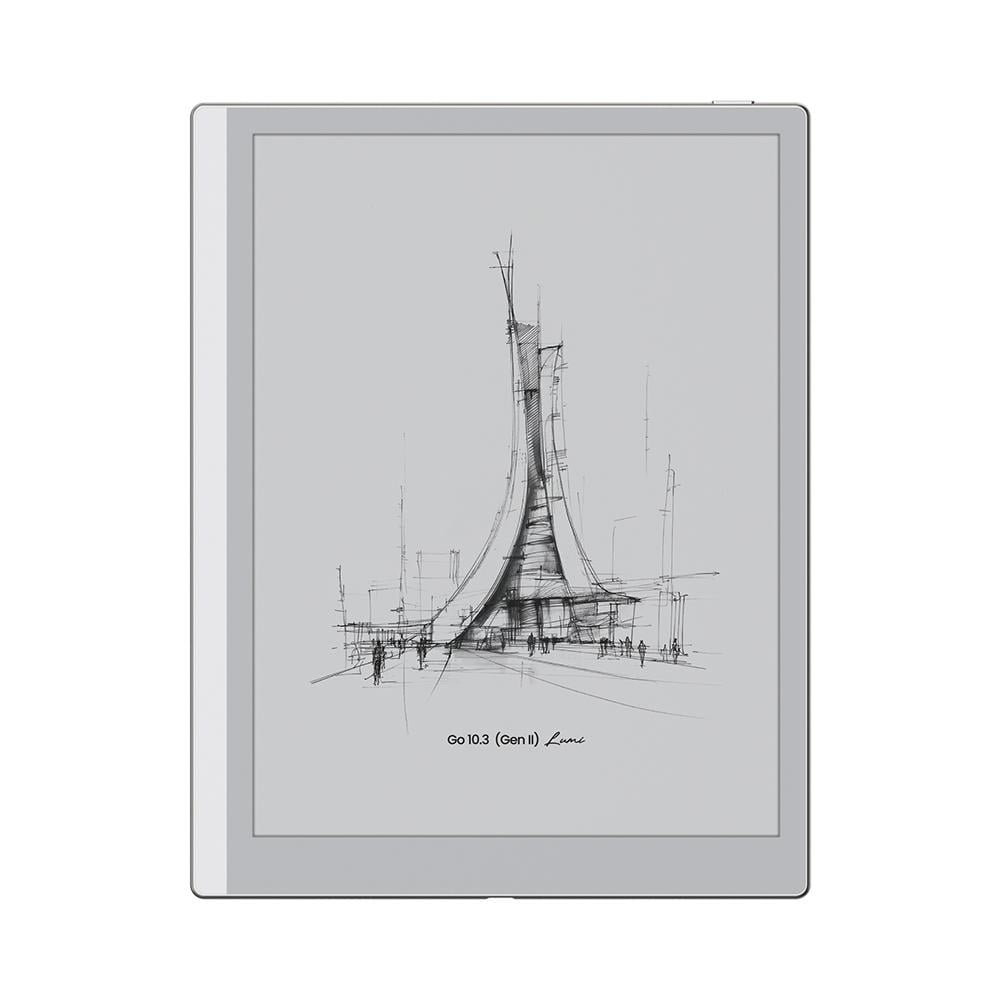
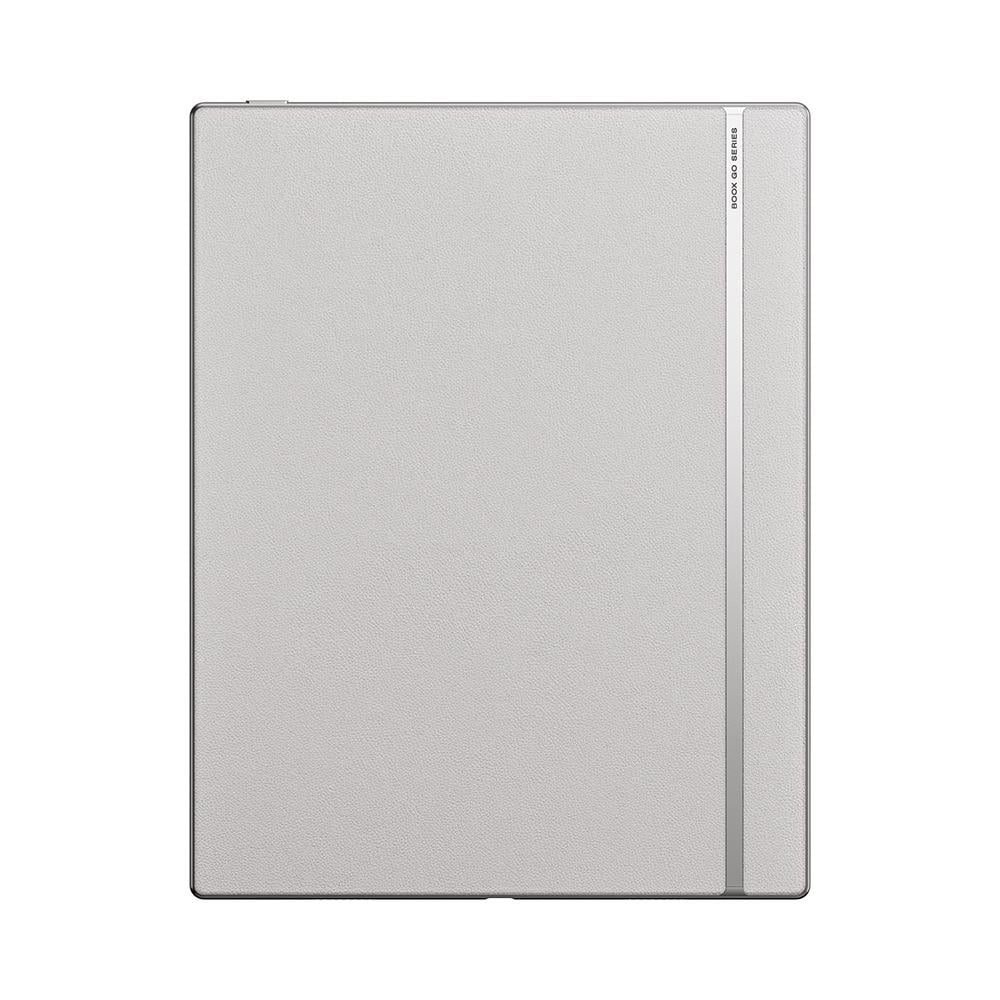
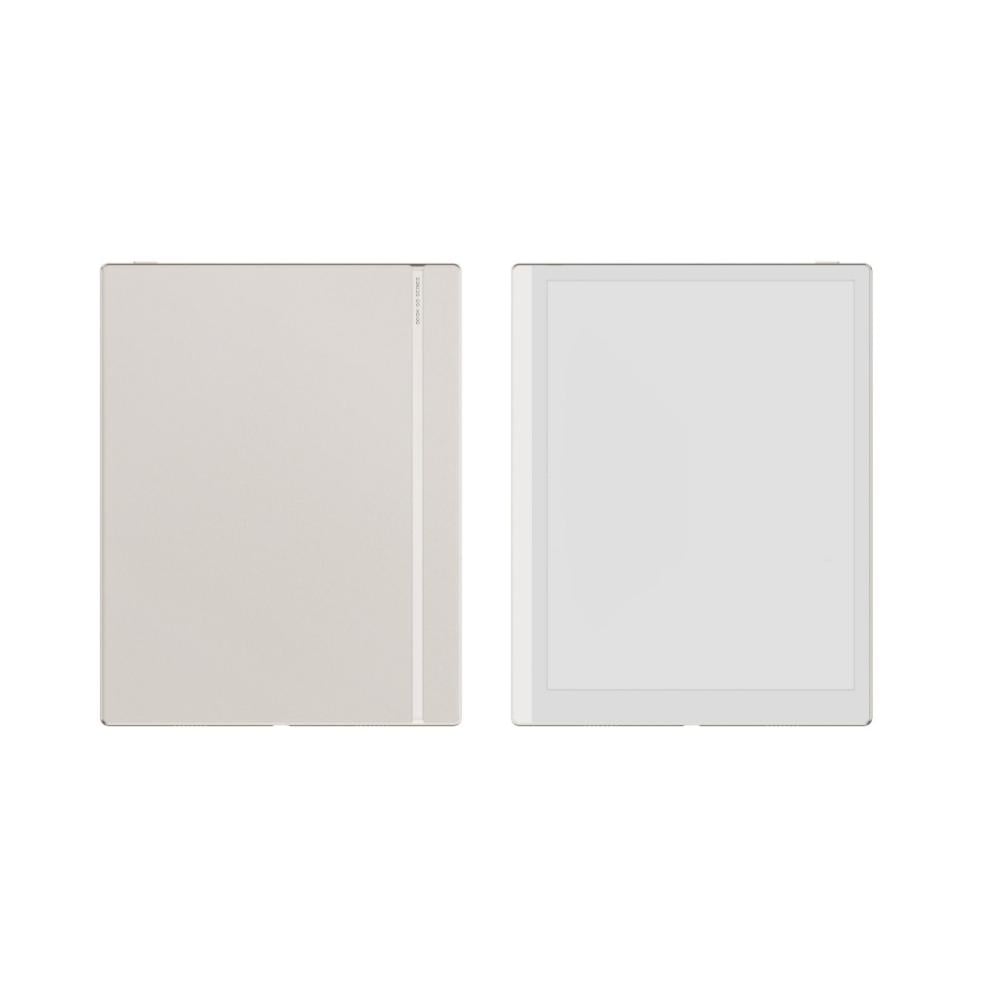
BOOX Go 10.3 (Gen II) Lumi is a 10.3-inch E Ink device that brings reading and writing together in one device, with a clear screen (300 ppi) that gives you a paper-like feel and a comfortable experience for your eyes, plus an included stylus and an adjustable front light, so you can read and write comfortably at any time.
It runs Android 15 and supports Google Play, with 64GB of storage, and weighs approx. 364g, which makes it a practical choice for studying, work, or everyday reading, with a calm experience that helps you focus away from phone notifications.
Who is BOOX Go 10.3 Lumi for?
- Students and researchers: Read references and PDF files on a large screen, and write your notes directly on them with the stylus, no printing needed.
- Professionals and entrepreneurs: Take meeting notes, review documents and presentations, and organize your tasks in one place.
- Book lovers: Your entire library in one device, and you can read with a warm light before bed.
- Frequent travelers and people on the go: A slim, lightweight device with a screen that stays clear even in sunlight.
BOOX Go 10.3 Lumi Features
Warm and cold front light for reading day and night
The key feature of the Lumi version is its adjustable front light. Choose a cooler, brighter light for daytime, or a warm, comfortable light for reading at night. Whether you're in a dark room, on a plane, or in bed before sleep, you can keep reading without needing an extra light source!
E Ink screen with a paper-like feel
Text appears sharp and clear, giving you a feel close to reading a printed book. Unlike phone and tablet screens, the E Ink screen doesn't rely on a backlight shining directly into your eyes, and it stays clear even under sunlight. This makes it more comfortable for reading over long periods.
Write notes in your own handwriting with the InkSense Plus stylus
The stylus is included in the box and responds to your hand pressure with up to 4,096 levels, so the line thickness changes with the way you write, giving you a feel closer to writing and drawing on paper.
It also has a side button for quick shortcuts so you can run commands easily, and it charges via USB-C.
Unlimited notes and handwriting-to-text conversion
Write your notes freely on a canvas that expands whenever you need more space, then organize them with titles and tags so you can find them easily.
You can also select your handwriting and convert it into editable typed text, which makes it practical for lectures, meetings, planning, and to-do lists.
Android 15 and flexible app use
The device runs Android 15 and supports third-party apps. With an octa-core processor and 4GB of RAM, it delivers a smooth experience for reading, note-taking, and your everyday apps.
64GB storage and support for 26 book and file formats
Store your library and files in 64GB of storage, and open popular formats such as PDF, EPUB, Word, PowerPoint, and more.
Your files and notes wherever you are
Sync your notes with Google Drive, Dropbox, and OneDrive so you can easily access your files from multiple devices.
With BOOXDrop, you can transfer books and files wirelessly between your BOOX device and your phone or computer, no cable needed.
Built-in speakers and microphone
Listen to audio files directly from the device, or connect your headphones via Bluetooth or USB-C. There's also a built-in microphone for recording.
When should you choose BOOX Go 10.3 Lumi?
It's right for you if you want one device that combines reading and writing, with a large, comfortable screen for books and PDF files, and a light that helps you read at any time. It's great for studying, work, and note-taking, and gives you a calmer, less distracting experience than a phone or tablet.
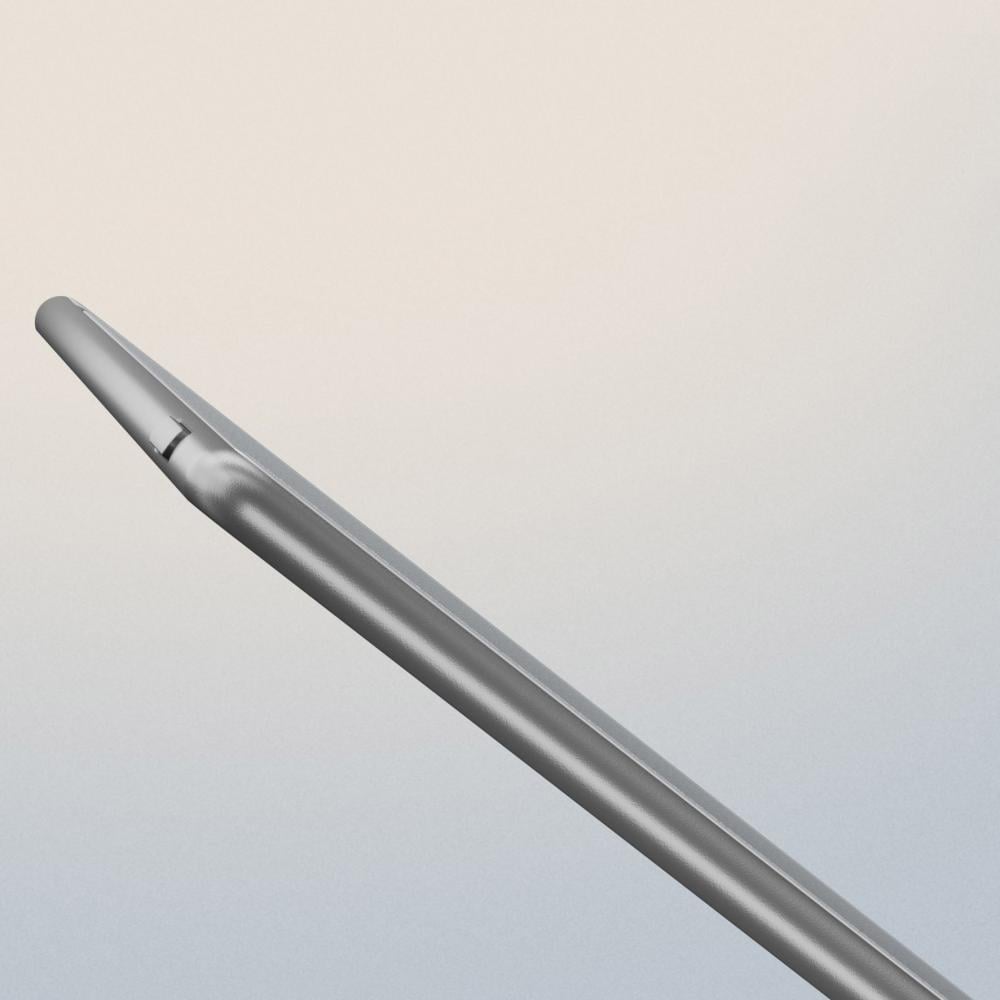
It may not be right for you if you mostly watch videos or play games, or you need a color screen, because its screen is black and white and designed for reading and writing.
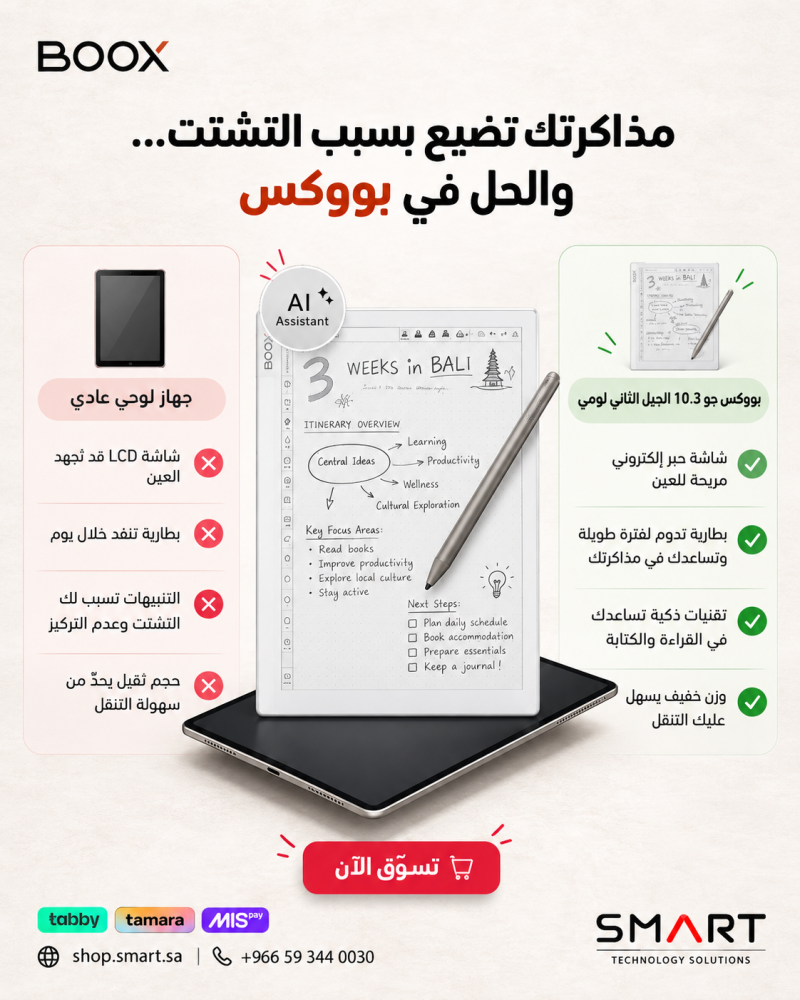
How is it different from a regular tablet? A regular tablet uses a backlit screen, while BOOX uses E Ink to give you a more paper-like feel, greater eye comfort, and lower power consumption, which makes it better suited for longer reading and writing sessions.
What's the difference between Go 10.3 Lumi and Go 10.3 (1st generation)?
Both devices share the same 10.3-inch screen, the same 300 ppi resolution, 4GB of RAM, and 64GB of storage. Here's how they differ:
- Front light: Lumi has a warm and cold front light; the 1st generation has no front light.
- Operating system: Lumi runs Android 15; the 1st generation runs Android 12.
- Stylus: Lumi comes with the InkSense Plus stylus with a side button; the 1st generation comes with the BOOX Pen Plus.
- Bluetooth: 5.1 on Lumi, 5.0 on the 1st generation.
- Weight and thickness: Lumi is approx. 364g and 4.8 mm thick; the 1st generation is approx. 375g and 4.6 mm thick.
If you read a lot at night or in low light, Lumi is the better choice for you.
Technical Specifications
- Display: 10.3 inches, black and white E Ink, with a flat glass surface
- Resolution: 2480 × 1860 pixels (300 ppi)
- Front light: Adjustable warm and cold front light
- Writing and touch: InkSense Plus stylus with 4,096 pressure levels, and a touchscreen
- Processor: Octa-core
- RAM: 4GB
- Storage: 64GB
- Operating system: Android 15 with Google Play Store
- Connectivity: Wi-Fi (2.4GHz and 5GHz) and Bluetooth 5.1
- Book and document formats: PDF, EPUB, EPUB3, AZW3, MOBI, DJVU, CBR, CBZ, CAJ, TXT, DOC, DOCX, FB2, CHM, RTF, HTML, ZIP, PRC, PPT, PPTX
- Image formats: PNG, JPG, BMP, TIFF
- Audio formats: MP3, WAV
- Audio: Built-in dual speakers and a built-in microphone
- Port: USB-C for charging and connecting accessories, also works as an audio jack
- Screen rotation: Automatic, based on device orientation
- Battery: 3,700mAh
- Dimensions: 235 × 183 × 4.8 mm
- Weight: Approx. 364g
- Certifications: CE, RoHS, FCC, TELEC, UKCA, WEEE, NCC
What's Included
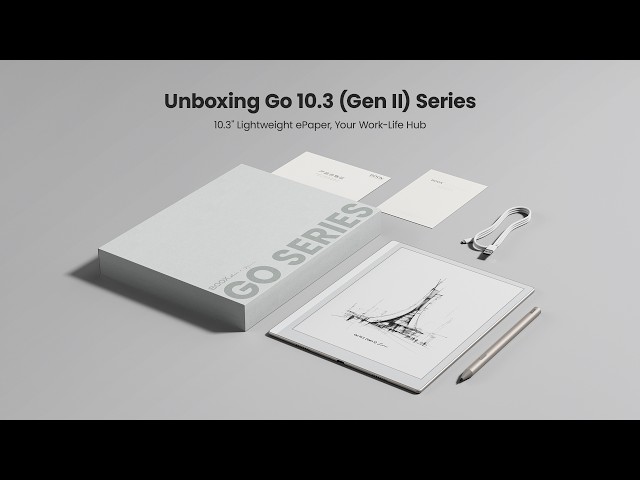
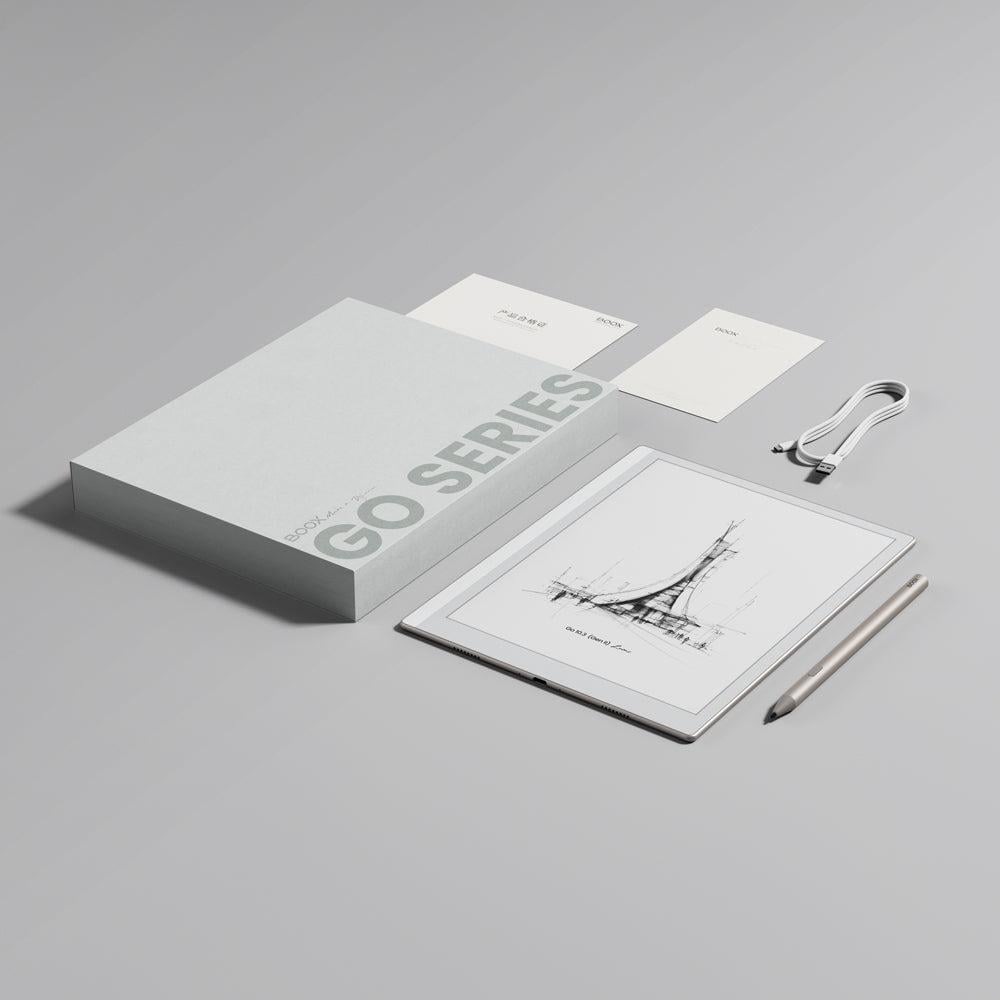
- BOOX Go 10.3 Lumi device
- InkSense Plus stylus
- USB-C cable
- Quick Start Guide
- Warranty card
Is the stylus included with the device?
Yes, the InkSense Plus stylus comes included with the device.
And if you'd like to complete your experience, you can browse the rest of the Go series accessories in the GO Series Accessories section.
Important Notice:
The E Ink screen is delicate and makes up more than 80% of the device's value. Please avoid impacts, drops, or strong pressure on it, do not place heavy or sharp objects on top of it, and do not expose it to high heat, such as leaving the device inside a car at midday, to prevent screen damage.
Screen damage is not covered by the warranty.